
How to Do Hotel Lobby AI From Two Photos
Here is how to do Hotel Lobby AI without an app or a template: two photos, one stage choice and one button. RapDuo (rapduo.app) renders your pair in the orange booth in 3 to 6 minutes. This Hotel Lobby AI tutorial covers the photos, the choice between the Original stage and the Booth, the topic line and the checks before you post.
Make your Hotel Lobby AI video now
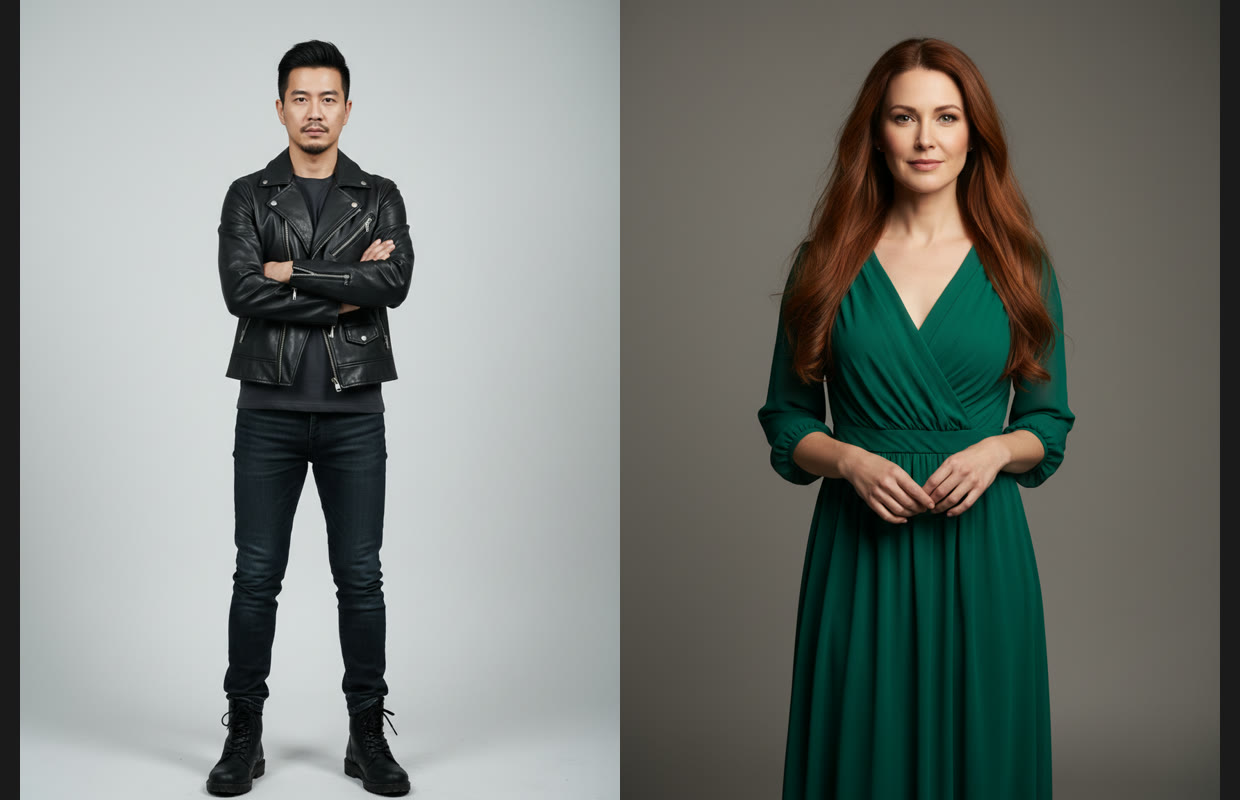
One person per photo, front-facing, well lit. The first photo takes the left spot, the second the right.
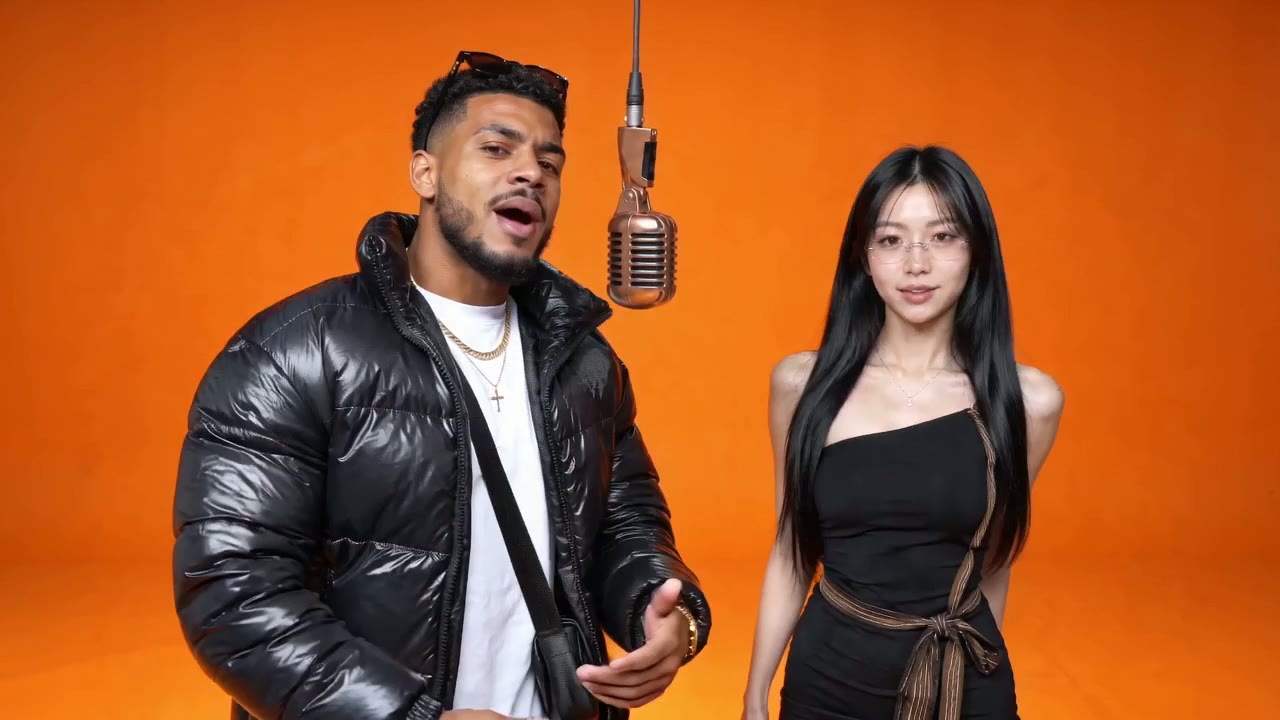
Booth · The Hotel Lobby orange booth with a brand-new rap written for you.
Failed renders are never charged.
12 seconds with a new rap, or 15 seconds on Original, both landscape 16:9. Failed renders are never charged.
How to make a Hotel Lobby AI video: what you need
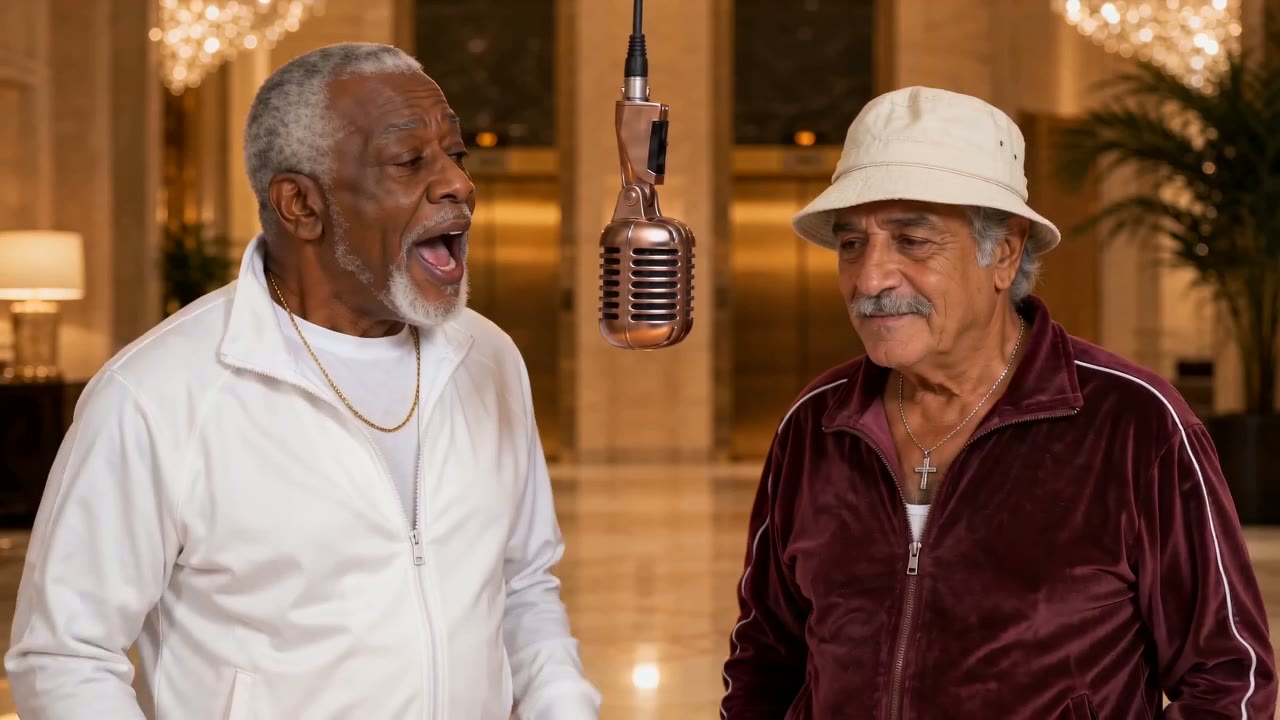
Before learning how to do Hotel Lobby AI, picture the finished clip: two performers in a matte-orange booth under one hanging microphone, trading lines the way Quavo and Takeoff did in their 2022 "Hotel Lobby" performance for A COLORS SHOW. In mid-September 2026 people began putting friends, couples and pets in their place, and the Hotel Lobby AI format spread across TikTok and X. You need no original clip, no template and no editor, just about five minutes.
- Two photosPhone photos work. They do not have to be taken together. Use one person or one pet per photo.
- PermissionOnly use photos of people who agreed to appear. No minors without a guardian's consent, and no celebrities.
- An accountSign in with Google, no card. New accounts get free credits for one 5-second Preview; the Hotel Lobby AI free page explains what it includes.
How to do Hotel Lobby AI in three steps
Each step, with the detail that changes the result.
Step 1: choose and order two photos
One person or pet per photo, facing the camera, well lit, no sunglasses. Crop group shots to a single face. The first photo becomes the performer on the viewer's left, who opens; the second stands on the right. Put the louder personality on the left.
Step 2: pick Original or Booth
This is the main decision. Original gives the original Hotel Lobby moves and song with your two people, 15 seconds, landscape 16:9; it matches the trend best, but TikTok or Instagram may recognise the music. Booth keeps the same orange booth and writes a brand-new rap, as a 12-second 16:9 video that is never muted for copyright.
Step 3: add a topic, render, check
On Booth and the other new-rap stages, a one-line topic tells the model what to rap about, and the Rap language dropdown sets the language. Pick Preview, Standard, HD or Custom, then generate. Watch the whole clip: faces, sides, the verse. Lyrics and lip-sync vary from render to render, and failed or filtered renders are never charged.
Hotel Lobby AI tutorial: the generator screen
Here is what the steps look like on screen. The layout is the same on a phone and a desktop because everything runs in the browser, so there is no separate Hotel Lobby AI app to download.
Upload left, then right
Drop the opener into the first slot and the second performer into the next. Swap them before generating if you change your mind.
Choose stage and quality
The stage strip starts with Original, then Booth, Lobby, Studio, Street, Rooftop, Neon Club, Birthday and Halloween. Below it: Preview (480p, 5 seconds), Standard (720p, full length), HD (sharper 720p) or Custom (up to 1080p).
Download the MP4
Save the clip with sound. Paid renders carry no watermark, so it is ready to post as it is.
Original or Booth, then six checks before you post
Choosing the stage is the biggest decision in how to do Hotel Lobby AI well. Pick Original for the trend exactly as people know it, or Booth for the same look with a rap that keeps its sound and still works after the trend. Then run these checks.
Faces hold to the end
Scrub to the middle and the last second. A drifting face usually means a shadowed, tilted or filtered photo. HD keeps more detail.
Nobody switched sides
The first photo should stay on the left for the whole clip. If the two swapped, reorder and render again.
Hands and mic look right
Busy gestures under the hanging microphone are where odd fingers appear. Another render usually fixes it.
The verse says what you meant
On the new-rap stages, a name and a habit in the topic give the model something to rhyme about. If a line misses, run it again.
Right audio for the stage
Original carries the original song, so TikTok may recognise it. Booth carries an original rap: post it without laying the original track on top.
Label it as AI
Turn on the AI-generated label where the platform offers one. It takes a second and avoids questions later.
More on the Hotel Lobby AI trend
Where to go after your first render.
How to do Hotel Lobby AI: common questions
How to do Hotel Lobby AI for free?
Sign in with Google and spend your free credits on one 5-second Preview. No card is needed, and it renders your own two photos at 480p on any stage, Original included. That is enough to see whether a pairing works. Full-length videos need a monthly or yearly plan; see RapDuo pricing for current numbers.
How to do Hotel Lobby AI on iPhone or Android?
Open rapduo.app in Safari or Chrome and follow the same three steps: upload two photos from your camera roll, pick a stage, press Generate. The video renders in 3 to 6 minutes and downloads as an MP4. Nothing to install, and the steps are identical on a desktop.
How do you make a Hotel Lobby AI video with the original song?
Choose the Original stage. It keeps the original Hotel Lobby moves and song and puts your two people in the performers' places, 15 seconds in landscape 16:9. Because the track is the original, TikTok or Instagram may recognise the music. This is the version many people call a Migos AI video.
Why pick Booth instead of Original?
Pick Booth when you want the post to keep its sound. It has the same orange booth and hanging mic, but the model writes a brand-new rap and beat for your pair, so there is no copyrighted music to mute. It comes out at 12 seconds in 16:9, or vertical 9:16 for TikTok, Reels and Shorts if you pick it under Custom.
Do I need a CapCut template or the original clip?
No. Everything the scene needs is built in, so you only upload two photos. A CapCut template means a separate app and a template you have to set up; our Hotel Lobby AI template guide compares that route with this one if you want the details.
Will the lyrics be the same if I render twice?
No. On every stage except Original the model writes a new rap each time, so exact lyrics and lip-sync vary from render to render, even with the same photos and topic. Faces come out close but never pixel-identical. Treat each run as a new take and keep the best one.
Can I do it with my cat and dog?
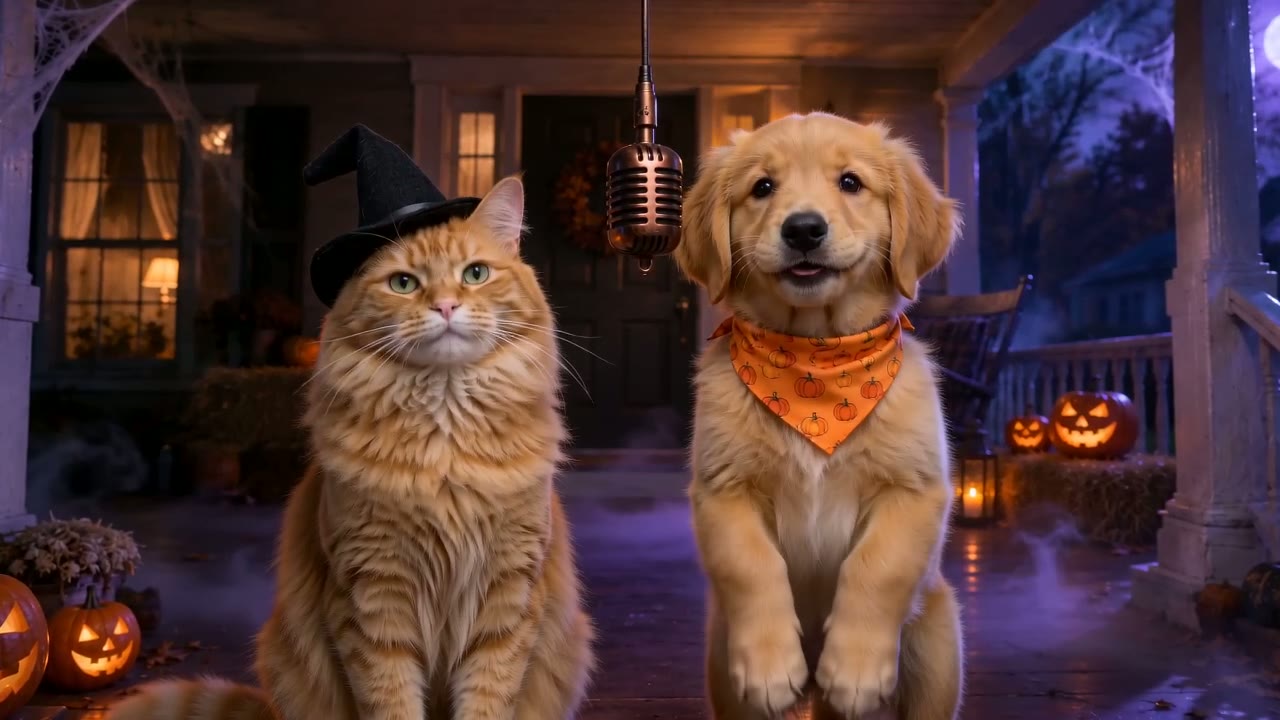
Yes. Use one clear photo of each animal with its face visible and good light, one subject per photo. Pets work on every stage. A short topic such as "my cat thinks she runs the house" gives the new-rap stages something specific to rap about.
What happens when the Hotel Lobby AI trend fades?
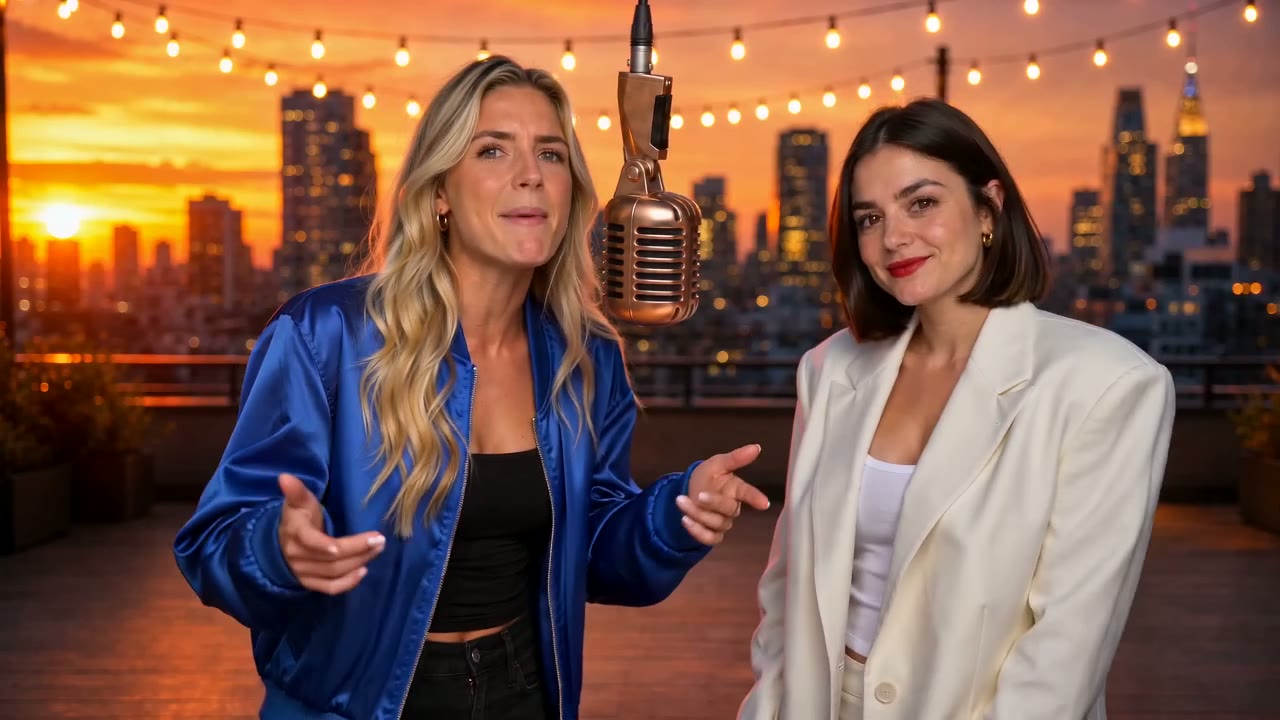
The same steps keep working. Booth, Lobby, Studio, Street, Rooftop, Neon Club, Birthday and Halloween all write an original rap, so a duo clip still makes sense after the trend moves on. Our guide on how to make an AI rap video covers those wider rap duo ideas.
Is RapDuo affiliated with Migos or COLORS?
No. RapDuo is an independent tool and is not affiliated with Migos, Quavo, Takeoff, Offset, COLORS or A COLORS SHOW, Higgsfield, CapCut or TikTok. We use the trend name only to describe the format people search for, and Booth and the other new-rap stages use entirely original music.
Two photos, one stage, your own duo
Now you know how to do Hotel Lobby AI. The first 5-second Preview is free.