
AI Rap Video Generator
This AI rap video generator turns two photos into a short music video where both people rap an original verse they never recorded. Choose one of nine stages, set a topic, pick a quality level and download an MP4 a few minutes later. No song to license, no prompt to engineer, nothing to install.
Loved by friends, couples and pet accounts worldwide
Try the AI rap video generator
One person per photo, front-facing, well lit. The first photo takes the left spot, the second the right.
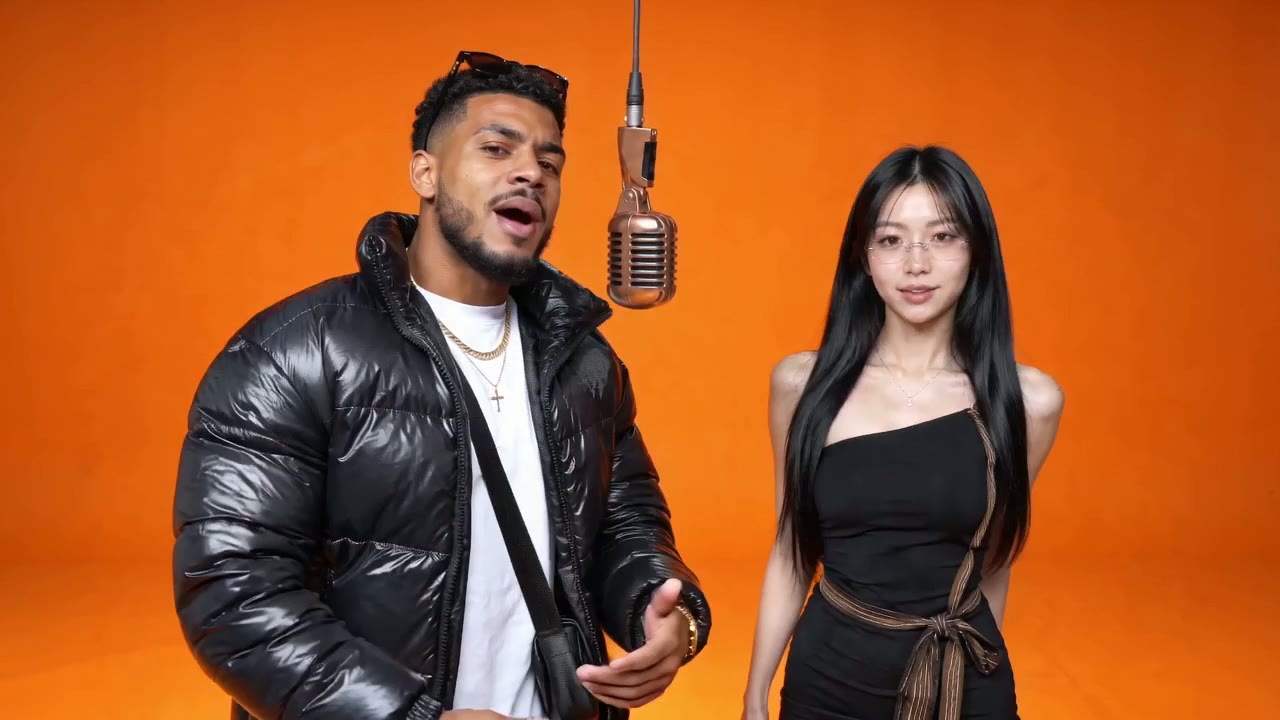
Booth · The Hotel Lobby orange booth with a brand-new rap written for you.
Failed renders are never charged.
An MP4 with original rap vocals, 12 seconds in landscape 16:9 on most stages. Failed renders are never charged.
What the AI rap video generator does with your photos
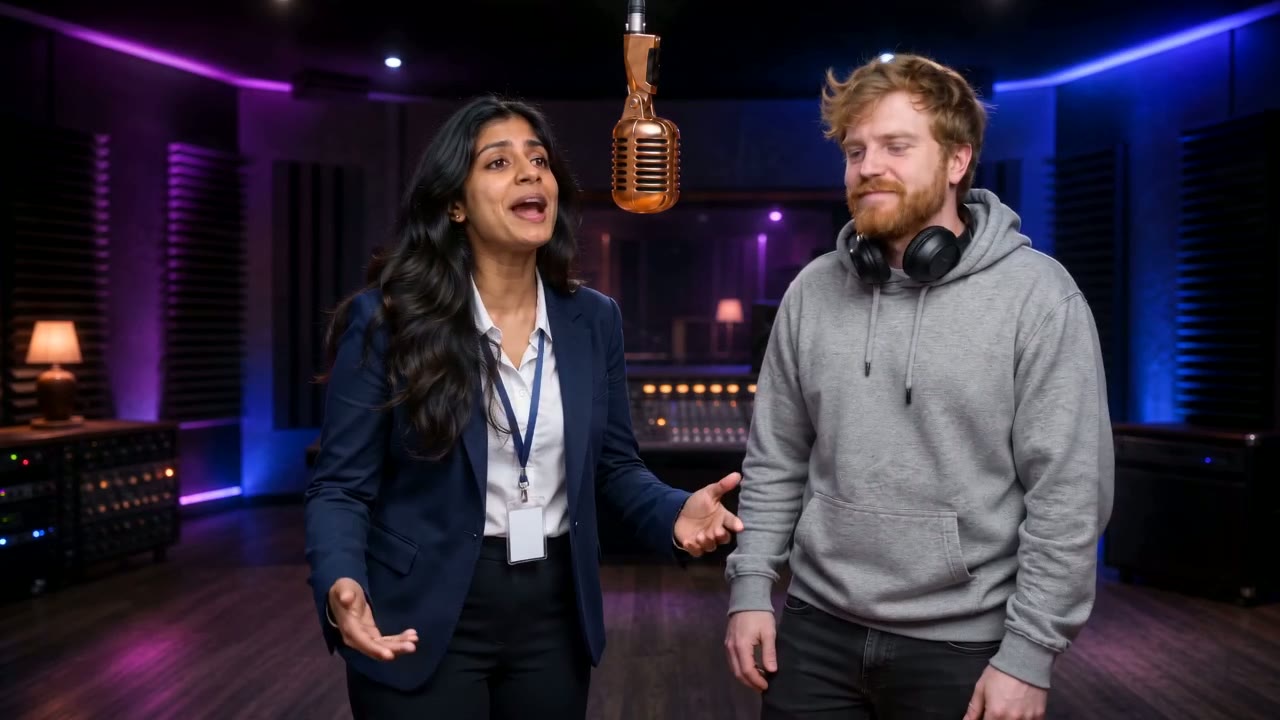
The AI rap video generator on RapDuo (rapduo.app) uses your two photos as references and builds a whole performance around them. Most tools sold as an AI rap video maker either write lyrics or paste a face onto an existing clip. This one works as a rap duo AI: it renders a new video with your two people as the performers, a set from one of nine stages, and a rap written for them. Add a one-line topic of up to 120 characters and the lyrics follow it, in the rap language you pick below (or yours, with "Match my text"). Each run is a fresh pass: exact lyrics and lip-sync vary from render to render, and faces stay close to your photos rather than identical.
- Original rap and beatOn eight of the nine stages, the lyrics and the beat are generated for your clip. Only the Original stage uses the Hotel Lobby song.
- Left opens, right answersPhoto one is the performer on the viewer's left and starts the song. Photo two holds the right side for the whole clip.
- Four quality choicesPreview, Standard, HD and Custom. The cost shows on the button before you click, so there are no surprises.
Output specs: what the AI rap video generator delivers
The exact file you get, so you know what lands in your downloads folder.
Widescreen by default, vertical when you need it
Every stage renders landscape 16:9 with sound: 12 seconds on the new-rap stages and 15 seconds on Original, matching the trend clip it recreates. Need a vertical clip for Shorts or Reels? Pick 9:16 under Custom and the video is framed for a phone screen.
An AI rap music video generator with its own music
Lyrics are written for your pair and your topic, then performed and lip-synced over a fresh beat. No label owns any of it, so the video posts without a music claim. That is the main gap between this and an AI rap music video generator that reuses a famous track.
Clean MP4, no charge for failures
Paid renders download as MP4 files with no watermark, and failed or filtered renders are never charged. Not ready to pay? Try the AI rap video generator free with a 5-second Preview of your own duo first.
How to use the AI rap video generator
Three inputs, then a short wait. A longer AI rap video tutorial walks through each one with examples.
Add the left photo
This person opens the song. One face per photo, front-facing, no sunglasses, even light. Head-to-knees framing lets the outfit come through.
Add the right photo, a stage and a topic
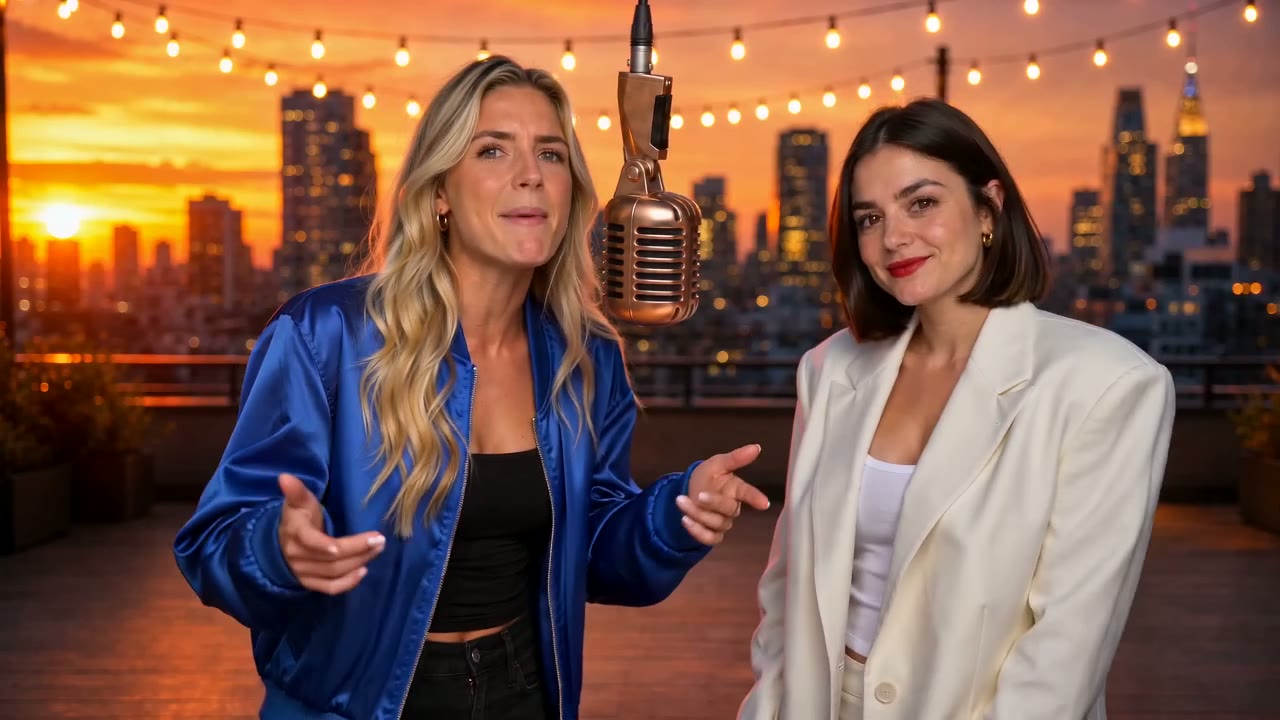
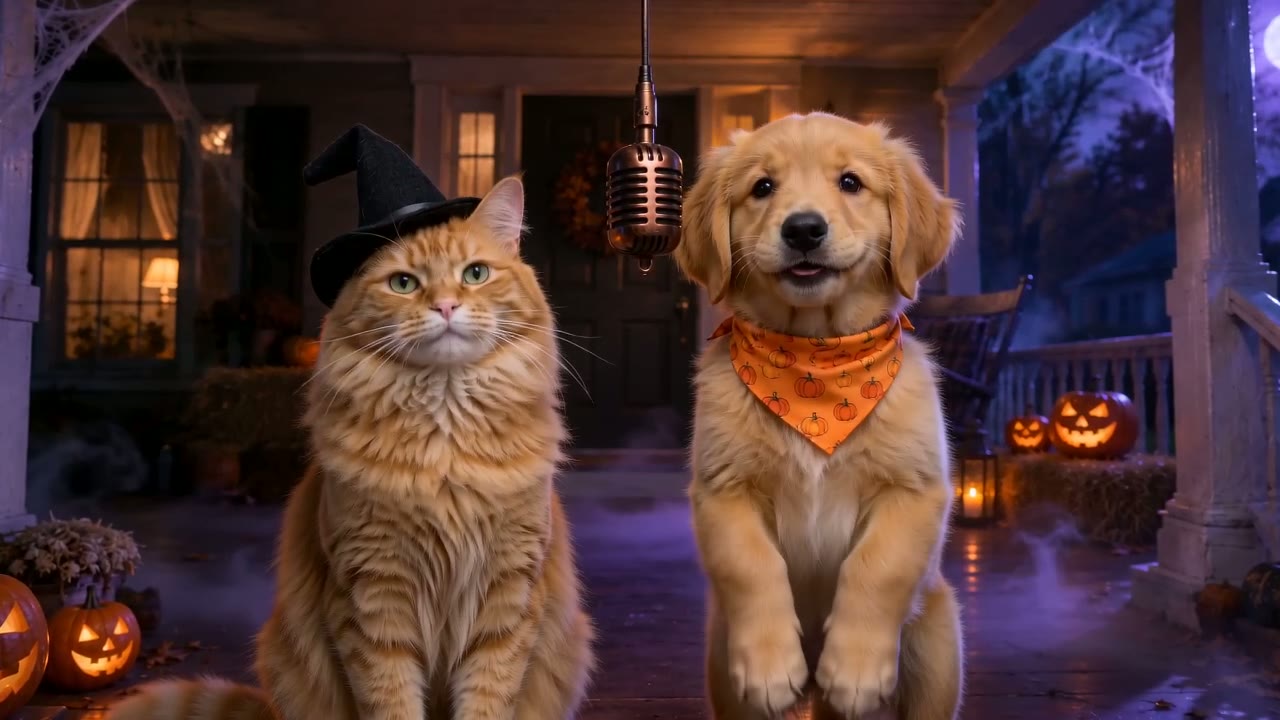
Pick a stage: Original, Booth, Lobby, Studio, Street, Rooftop, Neon Club, Birthday or Halloween. Then type what the rap is about, or tap a quick pick. A birthday rap song works best with the person's name in the topic.
Choose quality and generate
Preview for a free 5-second check, Standard for 720p, HD for sharper faces at 720p, or Custom to set the model, resolution up to 1080p, length and aspect ratio. Most renders take 3 to 6 minutes; you can leave the page meanwhile.
Photo tips for any AI rapper video generator
Weak results usually come from the inputs, not the model. These six habits fix most of them, whichever AI rapper video generator you use.
One person per photo
Crop group shots so the model never guesses which face goes where. Animals follow the same rule, which is how a good pet rap video starts.
Face fully visible
No sunglasses, no cap brim over the eyes, no heavy beauty filter, no hand near the mouth.
Even light
Backlit or shadowed faces turn soft in motion. Window light or a plain indoor photo is enough.
Concrete topics
"Roast Sam for always being late" gives sharper bars than "make it funny". A name plus one habit works best.
Match quality to the job
Standard is plenty for a group chat. Choose HD for sharper faces, or 1080p under Custom when the clip is going public and every detail matters.
Run it twice
Lyrics and lip-sync differ on every render. If the first take is flat, the second is a new song with the same two people.
More on making an AI rap video
The free preview, the full walkthrough, and the duo people ask about most.
AI rap video generator FAQ
Does the AI rap video generator use a real song?
Only on the Original stage. That stage recreates the Hotel Lobby moves with the original track, so TikTok or Instagram may recognise the music. The other eight stages carry a rap and beat generated for your clip, so nothing gets muted for copyright and nothing needs a license.
Is the AI rap video generator free?
You can try it free. New accounts get free credits for one 5-second Preview at 480p, with Google sign-in and no card. Standard, HD and Custom renders need a monthly or yearly plan, and yearly costs about half. The current plans are on RapDuo pricing.
Can I write my own lyrics?
Not at the moment. You give the topic in one line of up to 120 characters and the model writes the verses around it. Set Rap language to English, Spanish, Portuguese or French, or pick "Match my text" and the lyrics follow whatever language you typed. Leave the line empty and you get a hype verse about the pair.
Is RapDuo an AI rap video maker or a lyrics tool?
It is a video maker. You get a finished MP4 with two performers, a set, a beat and lip-synced vocals, not a lyrics sheet or an MP3. It is not a face swap either: the scene is rendered for your two people instead of pasting faces onto someone else's clip.
What format does the AI rap video generator export?
An MP4 with sound in landscape 16:9. Every stage except Original exports 12 seconds at 720p on Standard and HD; the Original stage exports 15 seconds. Custom lets you set resolution up to 1080p, length and aspect ratio yourself, including vertical 9:16. Paid renders carry no watermark.
How long does a render take?
Most renders finish in 3 to 6 minutes. You can close the tab and come back, because finished videos wait in your history. If a render fails or is filtered, it is not charged, so a failed attempt costs you nothing but the wait.
How is this different from a Hotel Lobby AI video?
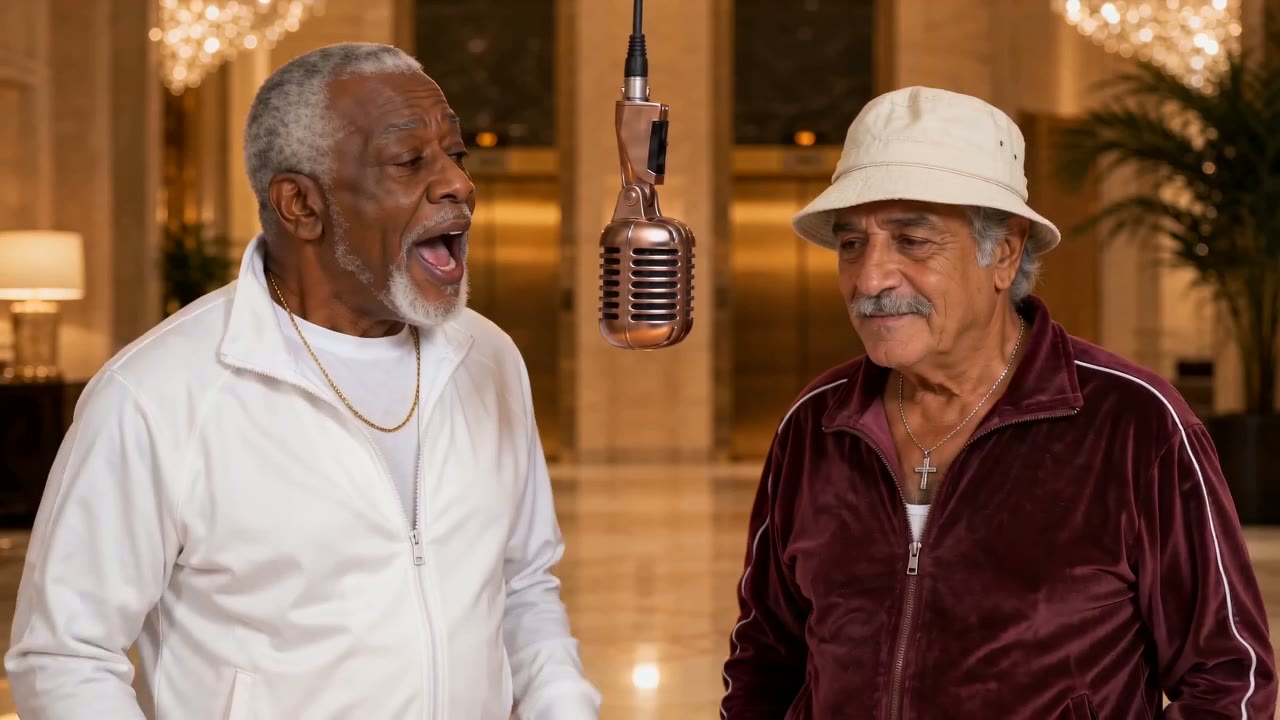
A Hotel Lobby clip is one style this tool makes, not the whole tool. The Original and Booth stages cover the Hotel Lobby AI video look; seven other stages put your pair in a lobby, studio, street, rooftop, neon club, birthday or Halloween setting with a new rap. CapCut templates paste faces onto the original performance and keep its song.
Whose photos can I upload?
Your own, and photos of people who agreed to appear. Minors need a guardian's consent, and celebrity photos are not allowed. Photos are used only to render your video and are never sold or used for training. RapDuo is independent and not affiliated with Migos, COLORS, CapCut or TikTok.
Ready to try the AI rap video generator?
Two photos and one line about the song. The first 5-second preview is free.