
How to Make an AI Rap Video
Here is how to make an AI rap video from two photos, start to finish: which photos to pick, how to write the topic line, which stage and quality to choose, and what to check before you post. This AI rap video tutorial uses RapDuo (rapduo.app), which writes an original rap for your two people, so clips on every stage except Original carry no copyrighted music.
Make your AI rap video now
One person per photo, front-facing, well lit. The first photo takes the left spot, the second the right.
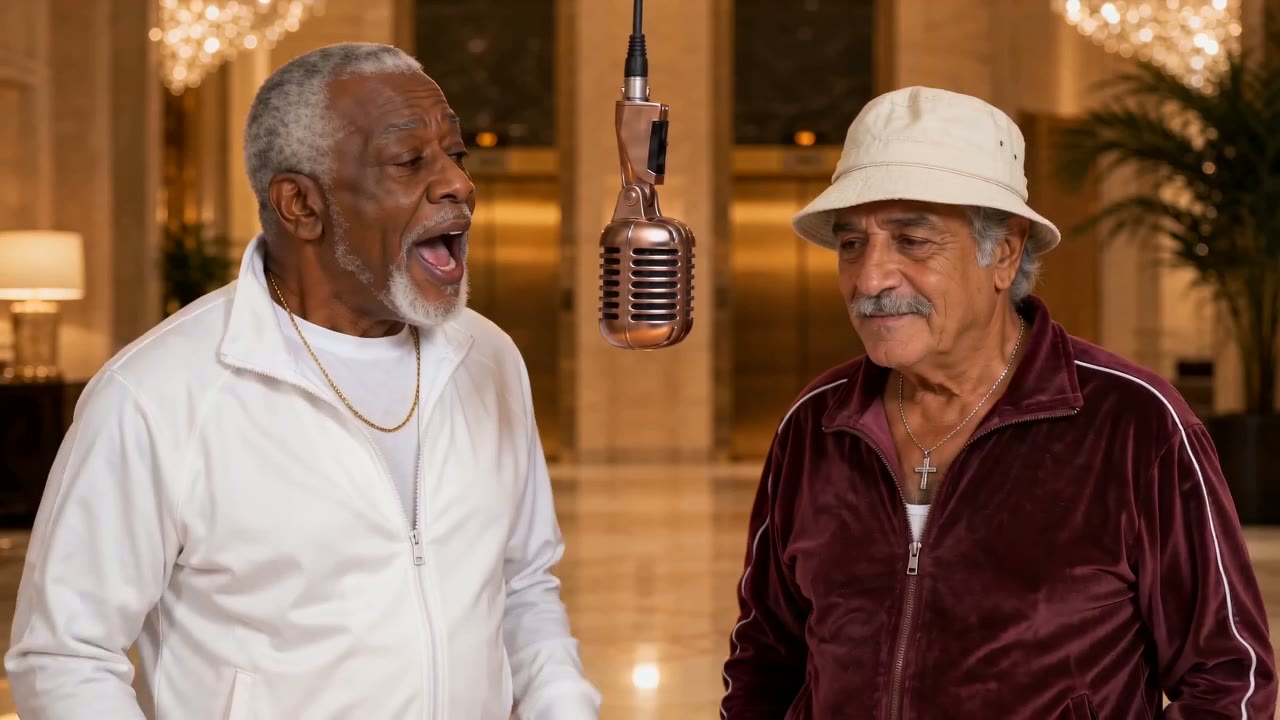
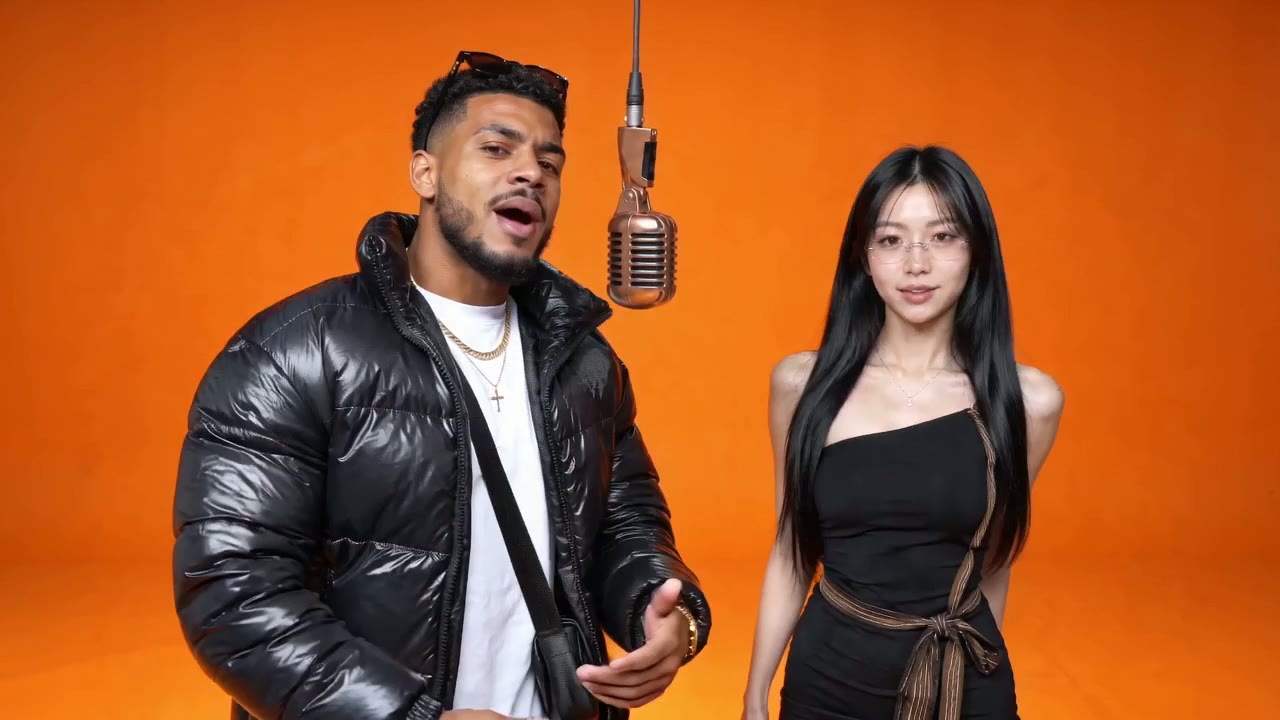
Booth · The Hotel Lobby orange booth with a brand-new rap written for you.
Failed renders are never charged.
An MP4 with original rap vocals on every stage but Original, landscape 16:9 by default. Failed renders are never charged.
How to make an AI rap video: what you need first
Learning how to make an AI rap video starts with three things, and none of them is an app. First, two photos: one person or pet in each, front-facing, no sunglasses, decent light. They do not need to be taken together, or even in the same year. Second, an idea for the song in one line of up to 120 characters: a birthday, a friendly roast, an anniversary, the office coffee thief. Skip it and you get a hype track about the pair. Third, a phone or desktop browser and a Google account, which gets you free credits for one 5-second Preview. The tool itself is the AI rap video generator; this guide is about using it well.
- Two photosOne performer per photo. The first is the person on the viewer's left, who opens the song.
- One line about the songOptional. Choose the rap language under it, or "Match my text" to rap in the language you wrote.
- No app, no clipNothing to install and no original video to find. Stages, microphone and beat are built in.
Why this way to make a rap video works
Three things separate a clip people share from one that sits in your camera roll.
The rap is original
Most trend clips reuse the Hotel Lobby track, and TikTok and Instagram often mute or flag it. On every stage except Original, the model writes and performs a new rap over a new beat, so the file is yours to post anywhere. If you want the trend's exact moves and song, the guide on how to do Hotel Lobby AI covers the Original stage.
The song is about them
The topic line steers the lyrics. A roast sounds like a roast; a birthday verse names the birthday. Exact lyrics and lip-sync vary from render to render, so a second take is a new song rather than a copy.
Mistakes cost nothing
Failed or filtered renders are never charged. The free Preview lets you check likeness before you commit to a full render on a plan.
How to make a rap video with AI, step by step
This is how to make a rap video with AI in practice. Each step takes under a minute, plus a few minutes of rendering. New here? Run it on Preview first with the free AI rap video maker credits.
Step 1: Upload two photos
Open the generator and add the left photo first; this person opens the song. Add the right photo second. Crop group shots to one person each and skip sunglasses, low hats and heavy filters. If a face sits in shadow, swap the photo now.
Step 2: Choose a stage, a topic and a quality
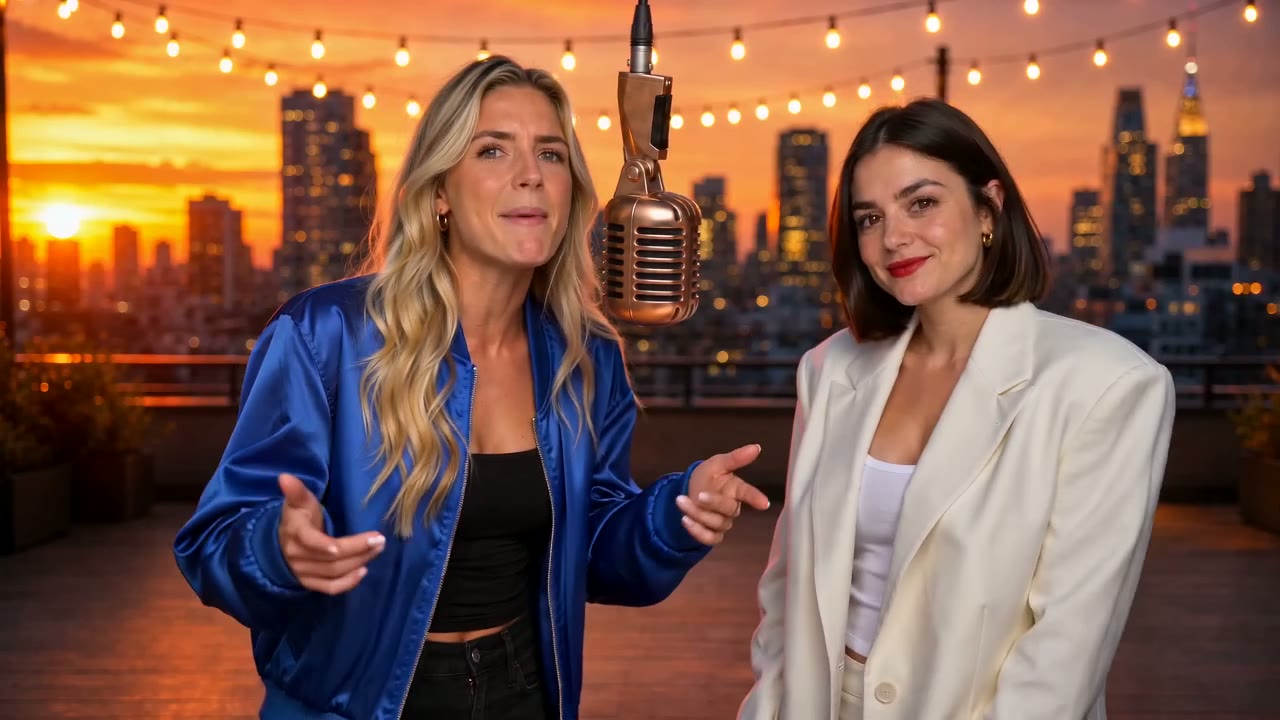
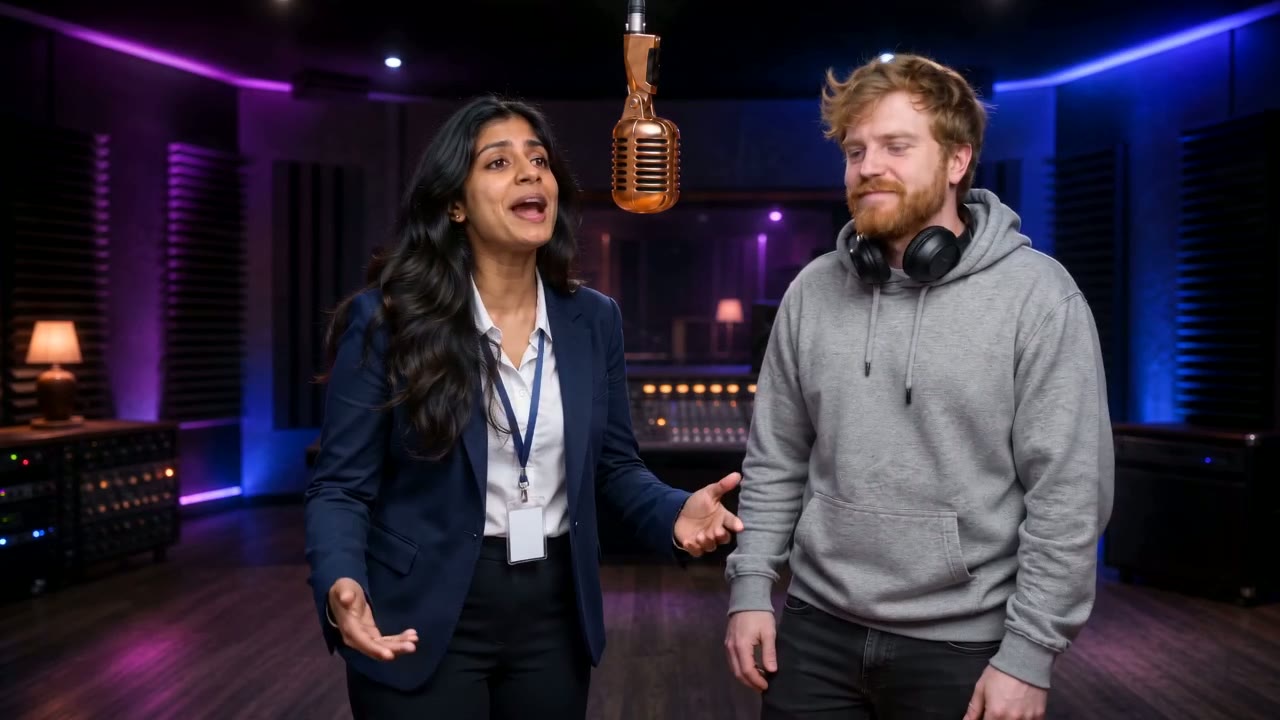
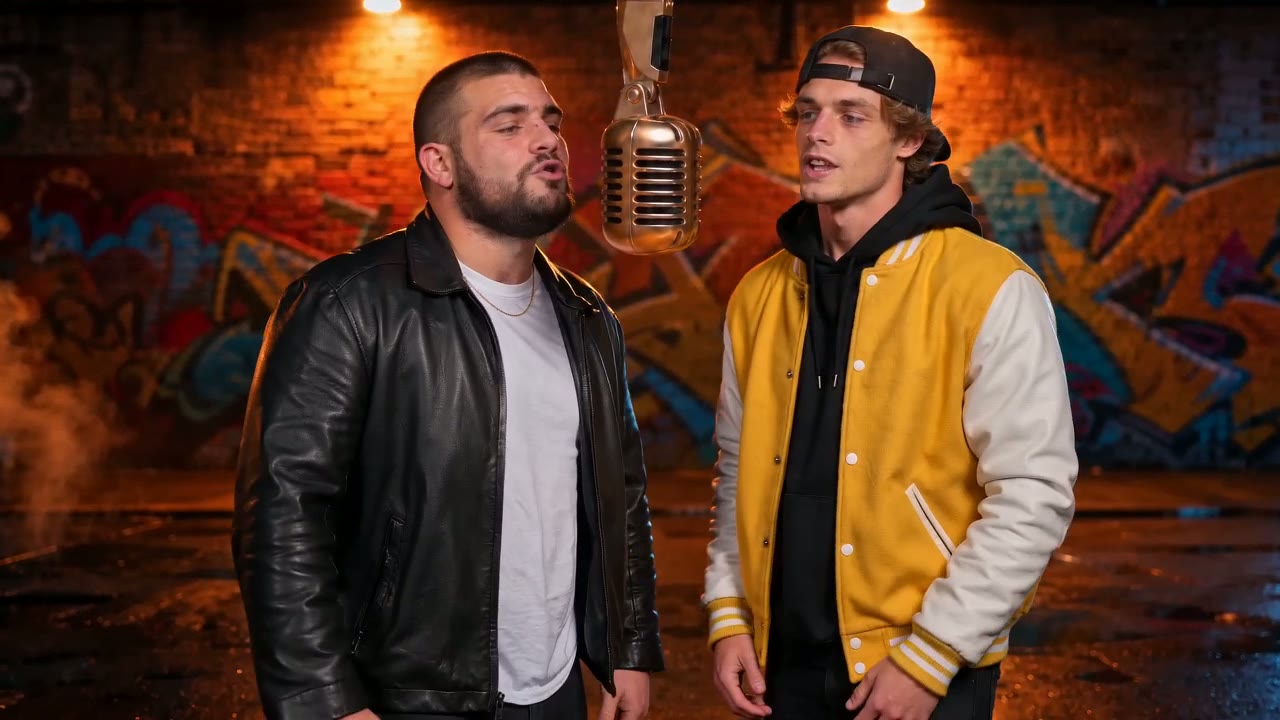
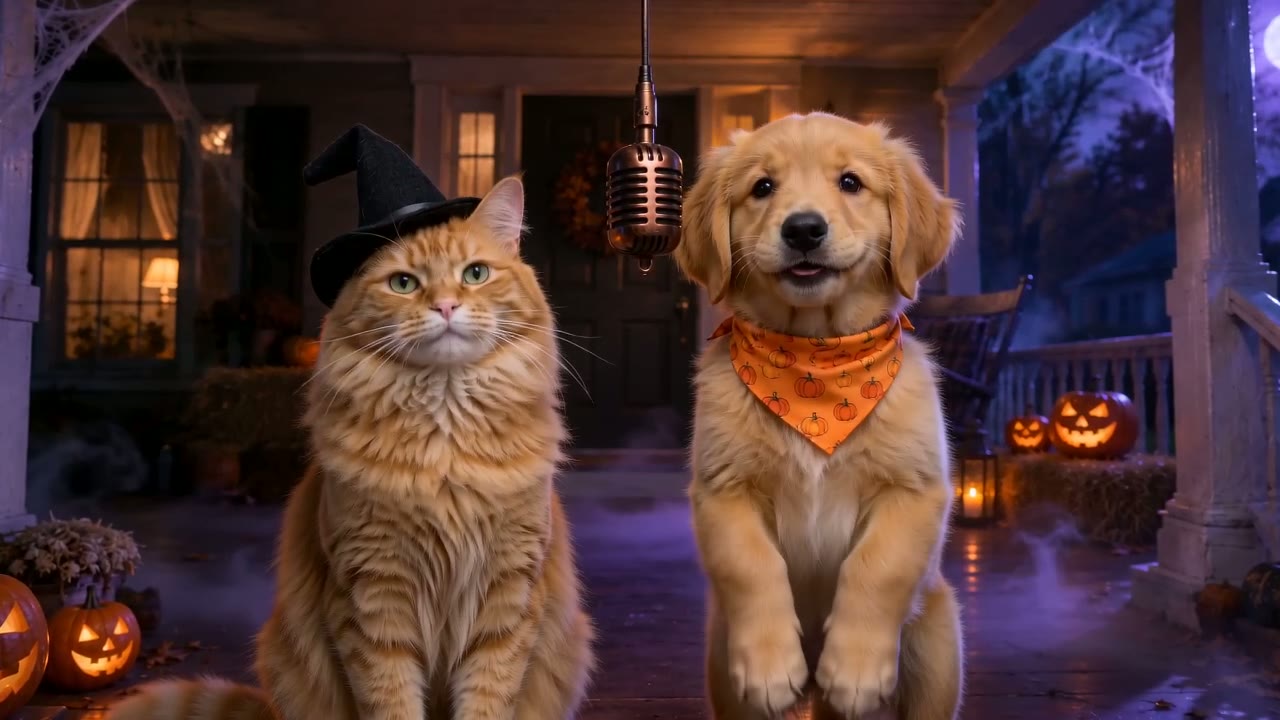
Booth gives you the orange Hotel Lobby set with a new rap. Birthday suits a birthday rap video with their name in the topic. Lobby, Studio, Street, Rooftop, Neon Club and Halloween change the backdrop, and Original copies the trend's own moves and song. Type the topic or tap a quick pick, then choose Preview, Standard, HD or Custom.
Step 3: Generate, check, download
Press Generate and wait 3 to 6 minutes. Watch with sound on: is the right person on the left, are both faces recognisable, does the rap hit the topic? Then download the MP4 and post it. Paid renders carry no watermark.
How to make an AI rap video worth posting: a checklist
Thirty seconds of checks before you upload saves a re-render.
Sides are right
The first photo should be on the viewer's left. If not, swap the photos and run it again.
Faces hold up
No render matches your photos exactly. If likeness is weak, use a clearer front-facing photo or try HD.
Lyrics hit the topic
If the verse wandered, tighten the topic with a name and one specific detail. A pet rap video lands best when the topic names the animal.
Post with its own sound
The rap is the point. Upload with the clip's own audio rather than a trending sound on top, and name the pair in the caption.
Consent
Only people who agreed to appear. No minors without a guardian's consent, no celebrities.
Format fits the feed
Every stage renders landscape 16:9: 12 seconds on the new-rap stages, 15 on Original. For TikTok, Reels and Shorts, pick 9:16 under Custom so the clip fills a phone screen instead of showing with bars.
Next steps
The generator page, the free preview, and a popular use for the topic line.
AI rap video tutorial FAQ
How to make an AI rap video for free?
Sign in with Google and spend your free credits on one Preview. You get the first 5 seconds of your own duo at 480p with the rap and beat, and no card is needed. A full-length video needs a monthly or yearly plan; RapDuo pricing lists the current options.
How to make an AI rap video on iPhone or Android?
Open rapduo.app in Safari or Chrome and follow the same three steps. Upload both photos from your camera roll, choose a stage and topic, and press Generate. There is nothing to install. You can leave the page while it renders and download the MP4 when you come back.
How long does it take to make an AI rap video?
Most renders take 3 to 6 minutes after you press Generate, plus a minute or two to choose photos and write the topic. You do not need to keep the page open; finished videos wait in your history, ready to download.
Do I need to write the lyrics?
No. You give a topic in one line, up to 120 characters, and the model writes the verses. You cannot paste in your own lyrics. Pick the rap language under the topic, or "Match my text" to rap in whatever language you typed, which makes it easy to make a rap video for family abroad.
Which stage should I choose?
Choose Booth for the orange Hotel Lobby look with a brand-new rap, Birthday for a birthday message, or Original for the exact trend moves and song. Original is 15 seconds and uses the original track, so TikTok or Instagram may recognise it. The other stages give a 12-second clip with original music.
Why is my second render a different song?
Because every render is a fresh pass. Exact lyrics and lip-sync vary from render to render, even with identical photos and topic. Treat each run as a new take and keep the best one. If a take misses the topic, sharpen the topic line first.
What if the faces do not look like us?
Swap in clearer photos first: front-facing, evenly lit, one person each, no sunglasses. HD usually holds likeness better than Standard. Likeness is never guaranteed to be perfect, so judge whether friends would recognise the pair rather than expecting a pixel match.
Will TikTok mute my rap video?
Not on the eight stages with original music. Their rap and beat are generated for your clip, so there is no licensed song for TikTok to detect. Only the Original stage uses the Hotel Lobby track, and that one may be recognised or muted.
Ready to make your AI rap video?
Now you know how to make an AI rap video. The first 5-second preview is free.