
Hotel Lobby AI App? Use Your Phone Browser Instead
A Hotel Lobby AI app is what most people look for first, but RapDuo (rapduo.app) does the same job in the browser you already have. Open the site on an iPhone, an Android phone or a desktop, pick two photos and choose a stage. A few minutes later the MP4 is ready to save and post. No download, no updates, no store listing.
Make it in this browser tab
One person per photo, front-facing, well lit. The first photo takes the left spot, the second the right.
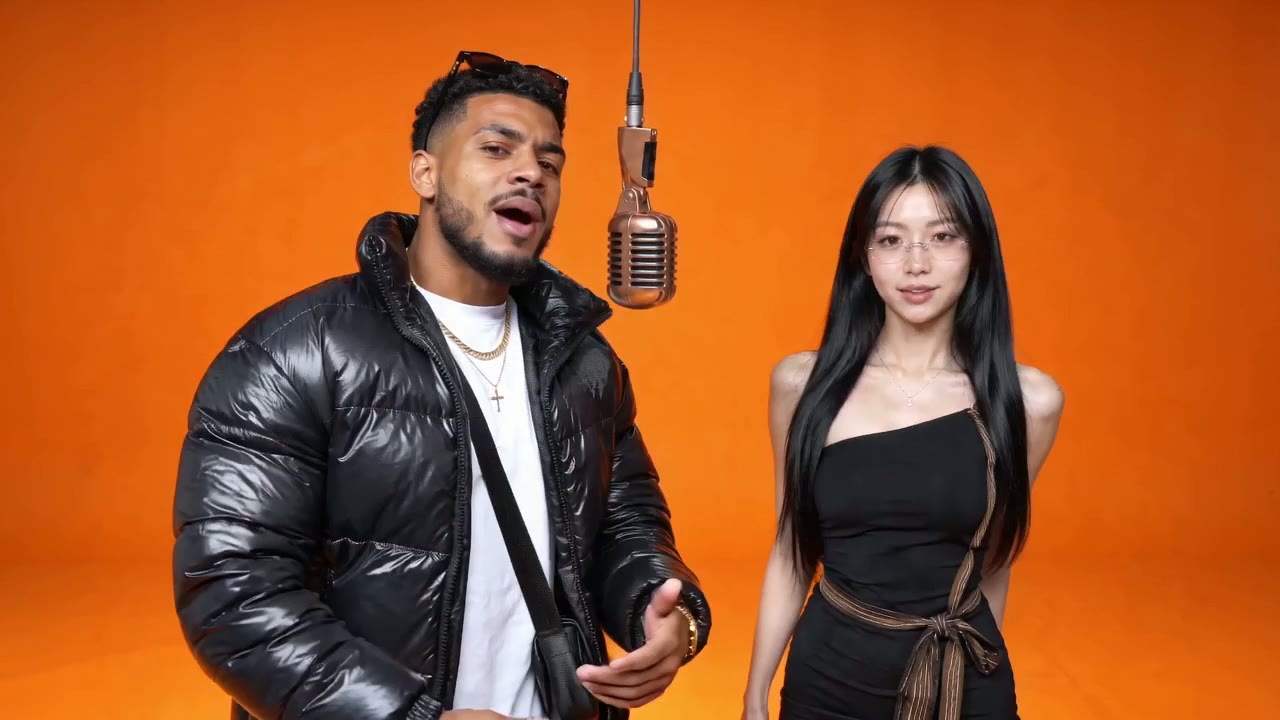
Booth · The Hotel Lobby orange booth with a brand-new rap written for you.
Failed renders are never charged.
Saved to your phone as an MP4 with sound. Failed renders are never charged.
Why there is no Hotel Lobby AI app to install
There is no Hotel Lobby AI app from RapDuo because the work happens on our servers, not on your phone. An install would only add a download, permission prompts and updates. In the browser you pick two photos from the camera roll, choose a stage, add an optional topic and watch the progress until the file is ready. New to the format? The Hotel Lobby AI overview explains both routes. For a home-screen icon, use Add to Home Screen and the site opens full screen, like an app that never needed installing.
- Hotel Lobby AI on iPhoneOpen rapduo.app in Safari. Tap a photo slot to choose from your library, then save the finished MP4 back to Photos.
- Hotel Lobby AI on AndroidOpen it in Chrome. The flow is identical, and downloads land in your gallery.
- Desktop browsersAny modern browser works. Handy when your best photos live on a laptop.
No download: everything a Hotel Lobby AI app would do
The phone browser handles the whole job, from picking photos to saving the MP4. Unsure which stage to use? The Hotel Lobby AI tutorial explains the choice.
Post from your phone without muting
Choose Booth or any stage except Original and the model writes a new rap and beat, then lip-syncs both performers. There is no copyrighted track, so TikTok, Reels and Shorts have nothing to mute. Original uses the real Hotel Lobby song, which may be recognised. Exact lyrics and lip-sync vary from render to render.
Camera-roll photos are enough
Ordinary phone photos work. Use one person or pet per picture, facing the camera, well lit, no sunglasses. The first photo is the performer on the left, the second on the right, and the two shots need not be taken together.
A topic typed with your thumbs
On the new-rap stages a short line steers the song, such as "my sister never returns my charger". Pick the rap language just below, or "Match my text" to rap in whatever you typed. Leave it empty and the verse is about the two performers.
Using the Hotel Lobby AI app in your browser, step by step
Three steps on the phone you are holding. A render typically takes 3 to 6 minutes.
Open rapduo.app and sign in
Sign in with Google, no card. Every new account gets a Hotel Lobby AI free preview: credits for one 5-second render at 480p, enough to test your photos.
Pick photos, a stage and a quality
Tap each slot to choose a photo from the camera roll. Pick Booth for a new rap in the orange set or Original for the real song, add a topic if you want, then choose Preview, Standard, HD or Custom.
Save and post
Download the MP4 with sound straight to your phone. Booth and the other new-rap stages give a 12-second landscape 16:9 file and Original runs 15 seconds; pick 9:16 under Custom for a vertical clip for TikTok, Reels and Shorts. Paid renders carry no watermark.
Hotel Lobby AI app vs. browser, point by point
What an installed app would ask of you, and what the browser does instead. CapCut users can compare the other install-based route on the Hotel Lobby AI template page.
Install
App: a download from the App Store or Google Play, and storage to match. Browser: nothing to download.
Permissions
App: camera, storage and notification prompts. Browser: only the photos you choose when you tap upload.
Rendering
Rendering runs on servers, so an older phone gets the same result as a new one and the battery is spared.
Updates
New stages and fixes appear the next time the page loads. No update queue, no version to check.
Copyright-safe audio
Every stage except Original uses music the model writes, so posts made on the go are not muted for copyright.
Plans
One free 5-second Preview for new accounts, then monthly or yearly subscriptions. See RapDuo pricing for current plans.
Next
The free preview, the template route and the story behind the booth.
Hotel Lobby AI app questions
Is there a Hotel Lobby AI app on the App Store or Google Play?
Not from RapDuo. Its answer to a Hotel Lobby AI app runs in the browser on iPhone, Android and desktop, with no download. Most installable options for this trend are CapCut templates or general video apps, and those usually keep the original song in the file, which is why their posts often get muted or flagged.
Can I make Hotel Lobby AI on iPhone?
Yes. To make Hotel Lobby AI on iPhone, open rapduo.app in Safari, sign in with Google and pick two photos from your library. When the render finishes a few minutes later, save the MP4 to Photos and post it from there. Older iPhones work too, since rendering happens on our servers.
Does it work on Android?
Yes. Open the site in Chrome or another Android browser and follow the same steps: sign in, choose two photos, pick a stage and a quality, and generate. The finished MP4 downloads to your gallery, ready to share to TikTok, Instagram or YouTube Shorts.
How do I put it on my home screen?
Use your browser's Add to Home Screen option. On iPhone it sits in Safari's share menu; on Android it is in Chrome's menu. The icon opens the site full screen, so it looks and feels like an installed Hotel Lobby AI app without anything to download.
Does my phone do the rendering?
No. Every video renders on our servers, usually in 3 to 6 minutes, so an old phone gets the same quality as a new one. Your phone only uploads two photos and downloads the finished MP4, which keeps battery use and mobile data low.
Will a video I post from my phone get muted?
Not on Booth or the other new-rap stages. Their music is written by the model, so there is no copyrighted track to detect and the post stays audible. The Original stage uses the original Hotel Lobby song, so TikTok or Instagram may recognise it. Exact lyrics and lip-sync vary from render to render.
Will the browser app still be useful after the trend?
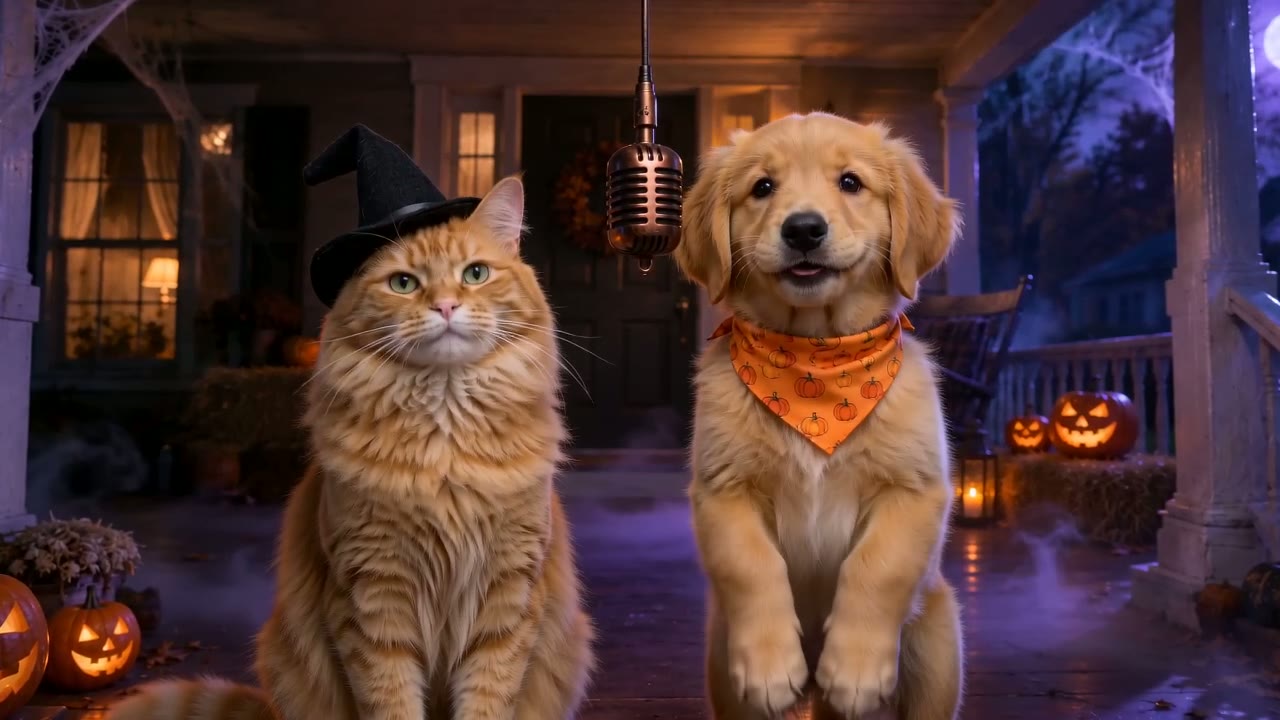
Yes. The Original stage is tied to the Hotel Lobby moment, but Booth, Lobby, Studio, Street, Rooftop, Neon Club, Birthday and Halloween create an original rap each time. Bookmark the site or add it to your home screen and it keeps working for birthdays, roasts and pet videos after the trend fades.
Is RapDuo the official Hotel Lobby AI app?
No. RapDuo is an independent browser tool and is not affiliated with Migos, Quavo, Takeoff, Offset, COLORS or A COLORS SHOW, Higgsfield, CapCut or TikTok. It runs at rapduo.app and needs no install on any device, whether that is a phone, a tablet or a laptop.
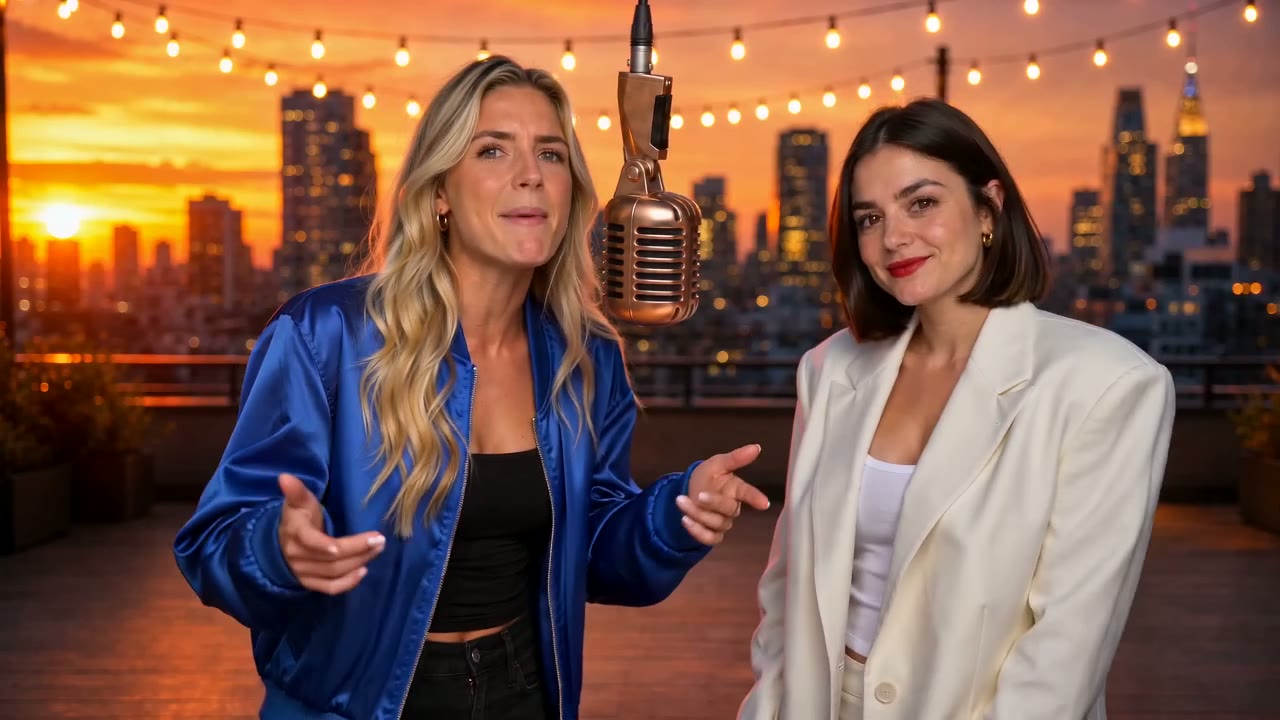
No app. Two photos.
Open the generator on the phone you are holding. The first preview is free.